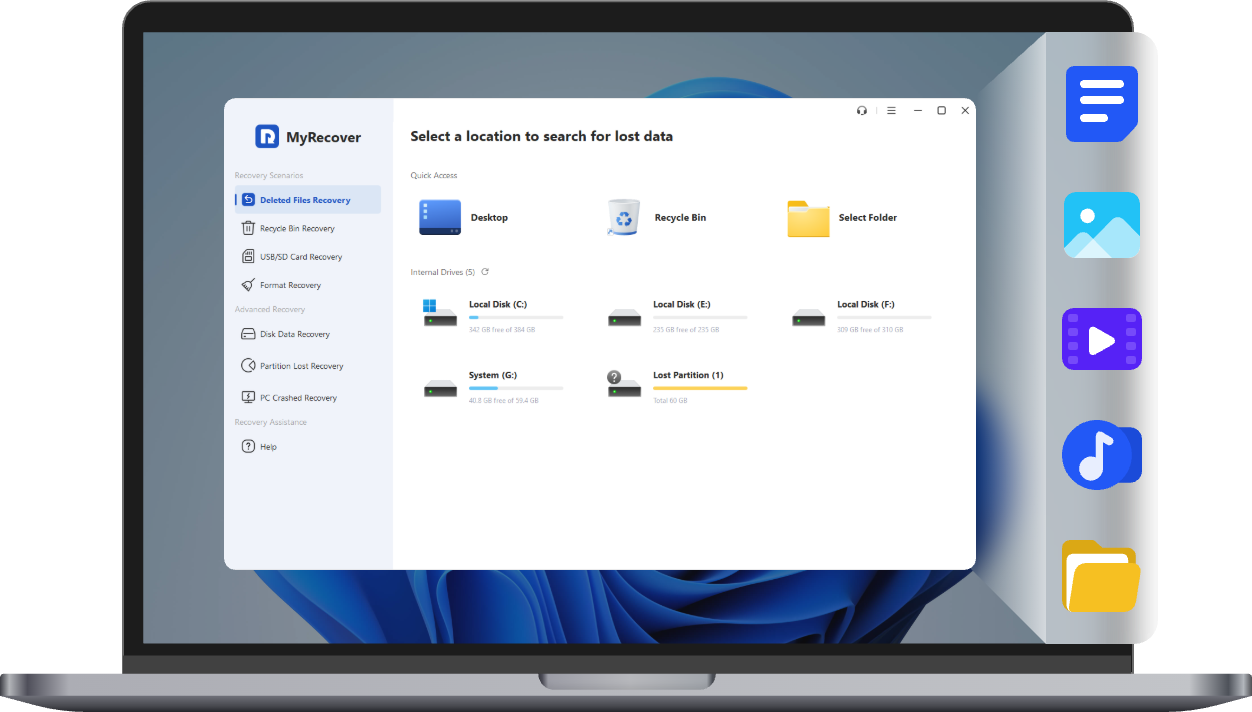
How Does MyRecover Help You?

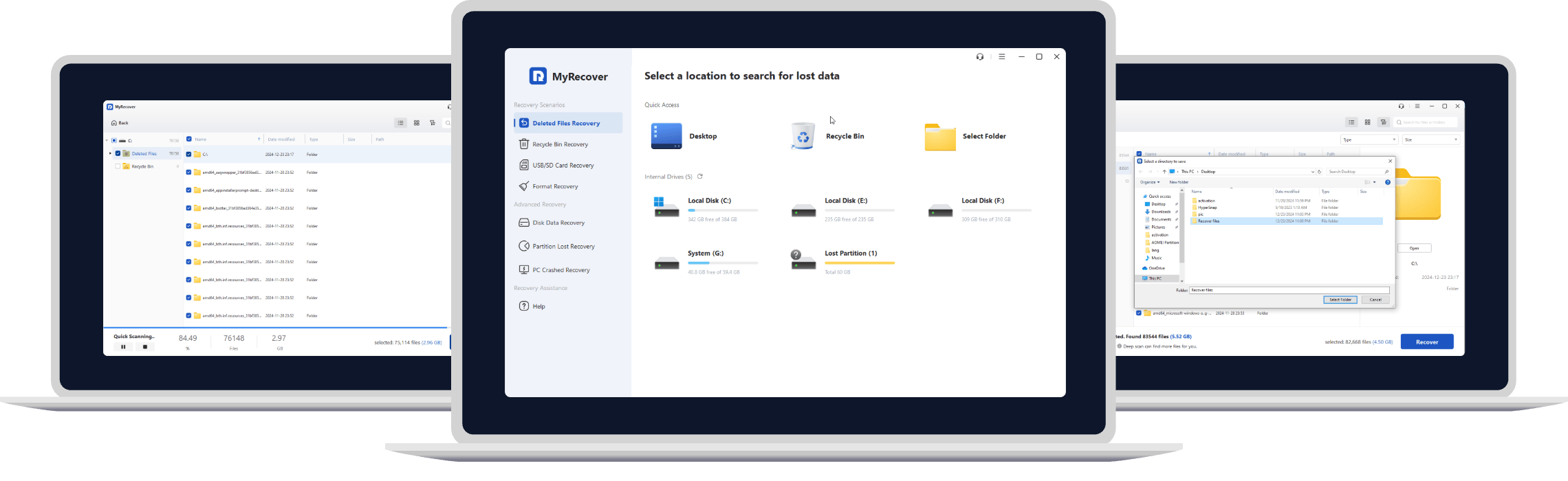
Turn to MyRecover if you encounter data loss. It recovers your lost or deleted files from various devices, like hard disk drive, SSD, USB, and more in Windows 11/10/8/7 and Server.

Comprehensive Windows Data Recovery Solutions

All-embracing Solutions for Windows Recovery – save you from all data loss situations.

Get it Now

All-inclusive File Types Covered

Get it Now

Why Choose MyRecover

The second to none Windows recovery tool – MyRecover is committed to offering an ultimate experience in Windows recovery for all users.

Easy & User-friendly

Within 3 as easy as ABC steps, you could recover deleted or lost data from HDD/SSD. Requiring no expertise, this data recovery software for Windows can be your good helper.

Professional & Unparalleled

Supported by sophisticated experts with long-proven scanning algorithms, this Windows recovery tool devotes itself to helping you achieve Windows data recovery effortlessly.

Safe & Reliable

Developed by AOMEI, the leading benchmark in the Windows data recovery industry, this Windows data recovery software is 100% secure and trustworthy with a virus-free guarantee.

Highlighted Features and How it works

  • Step 1

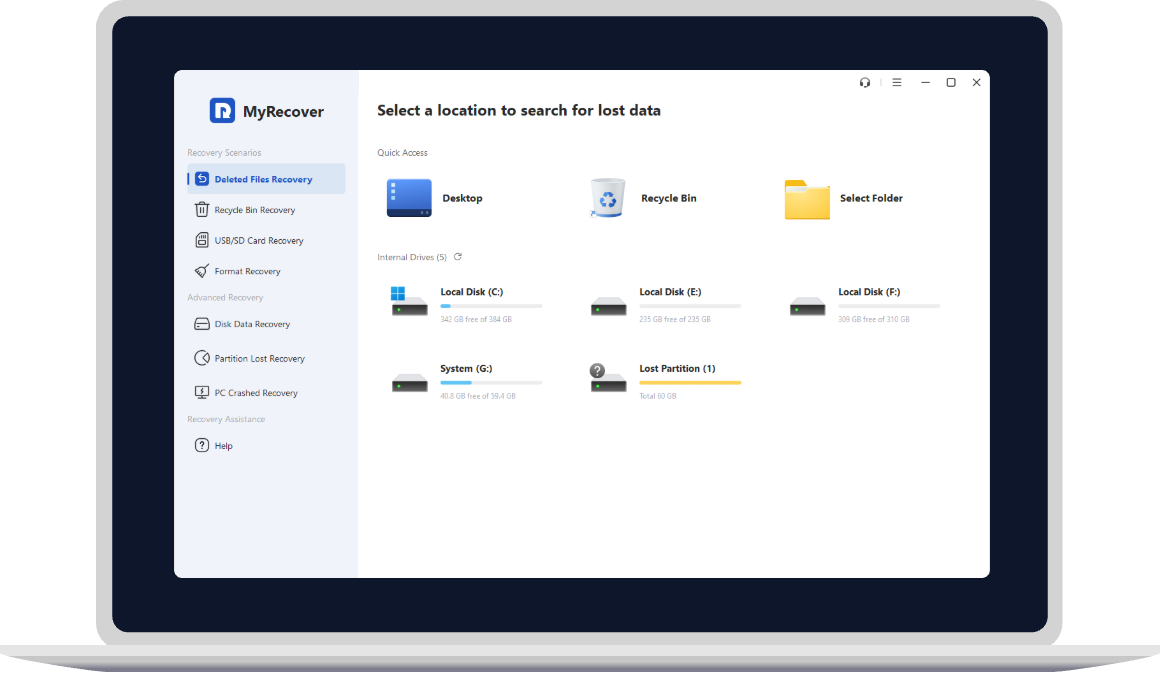
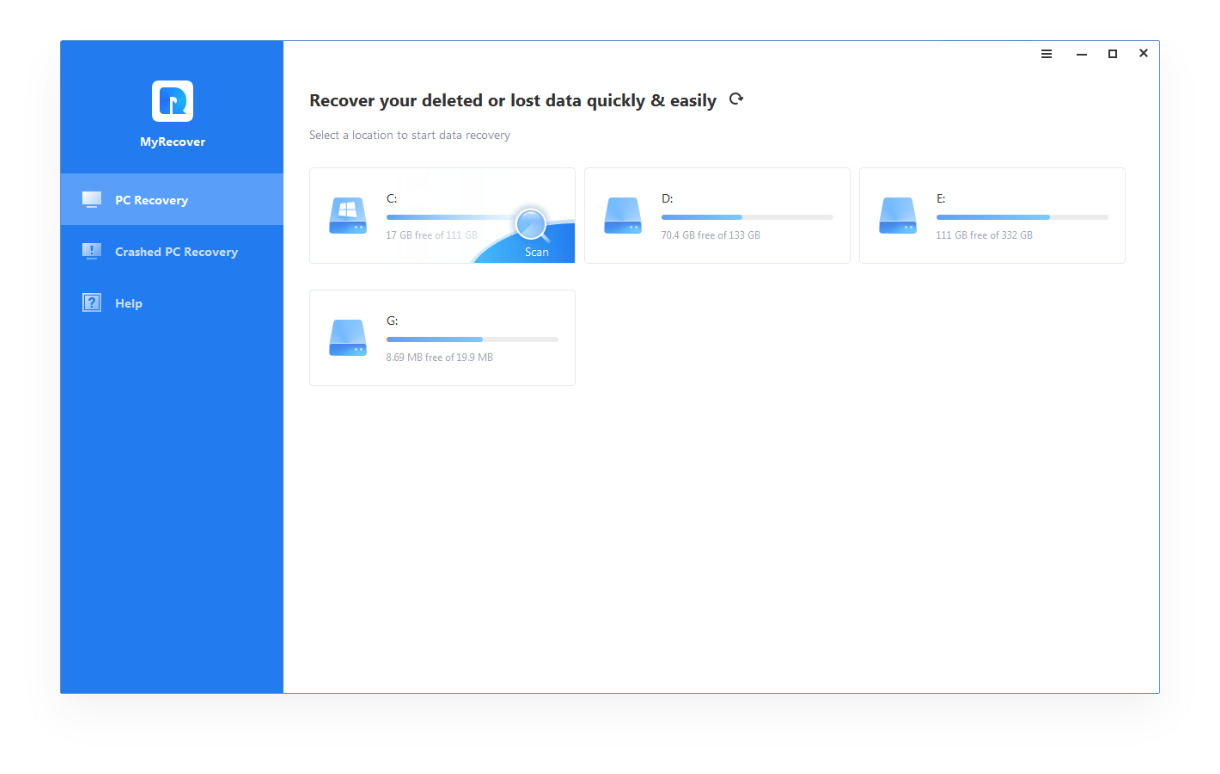
    Select Specific Partition/Disk: Locate the exact partition or disk where your data are lost.

  • Step 2

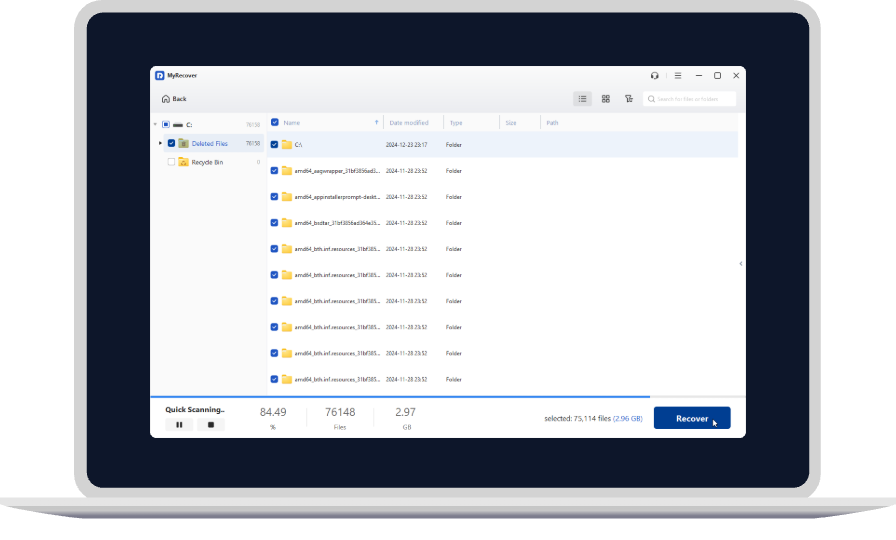
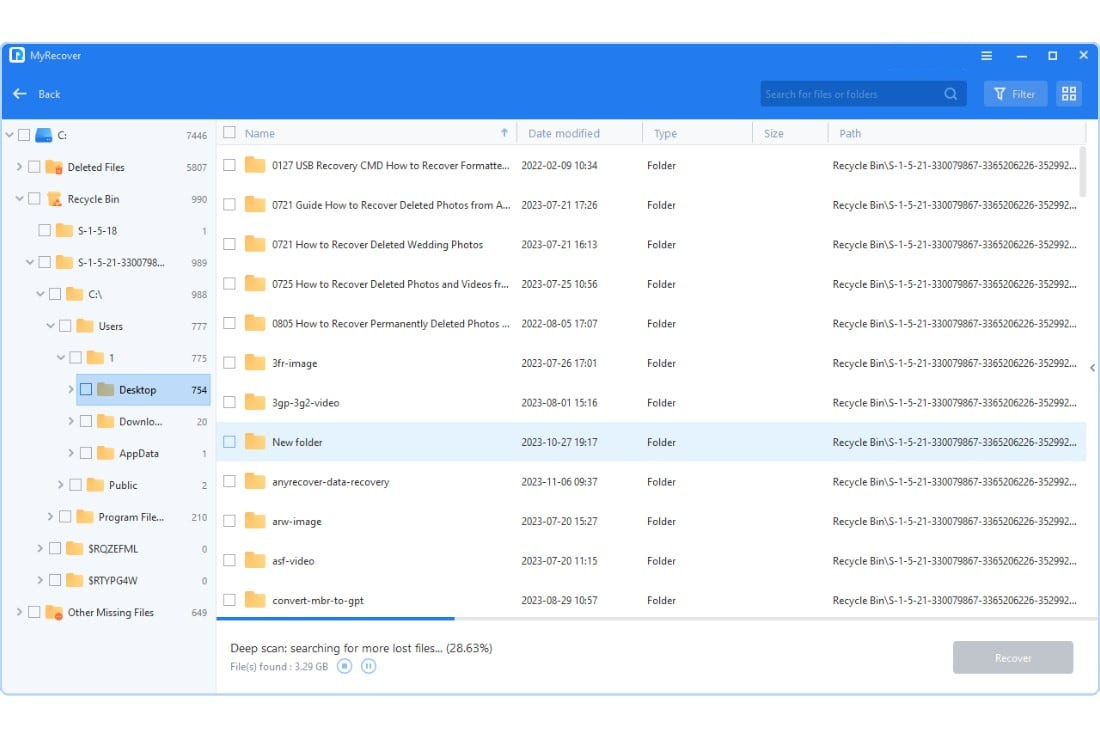
    Scan and Search the Lost Data: Automatically search your data with Quick Scan & Deep Scan; Quick Scan aims at finding deleted data, while Deep Scan searches other lost data.

  • Step 3

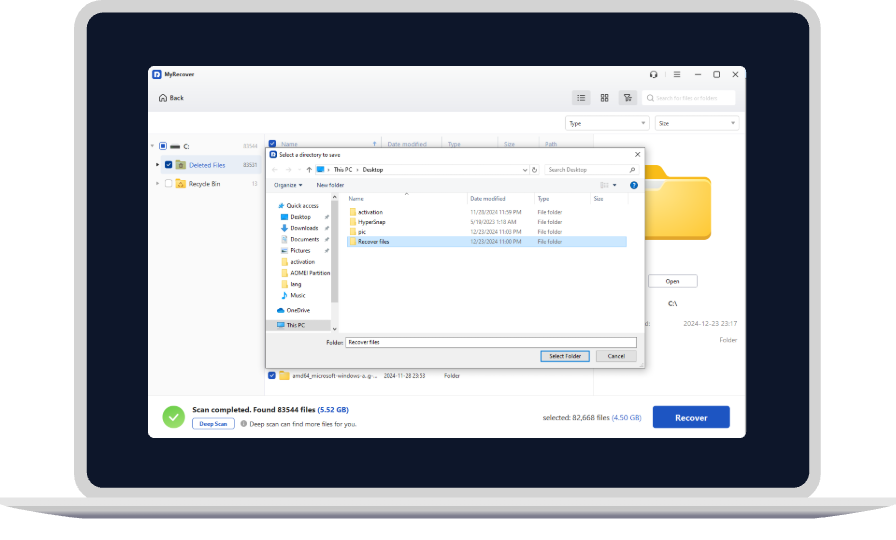
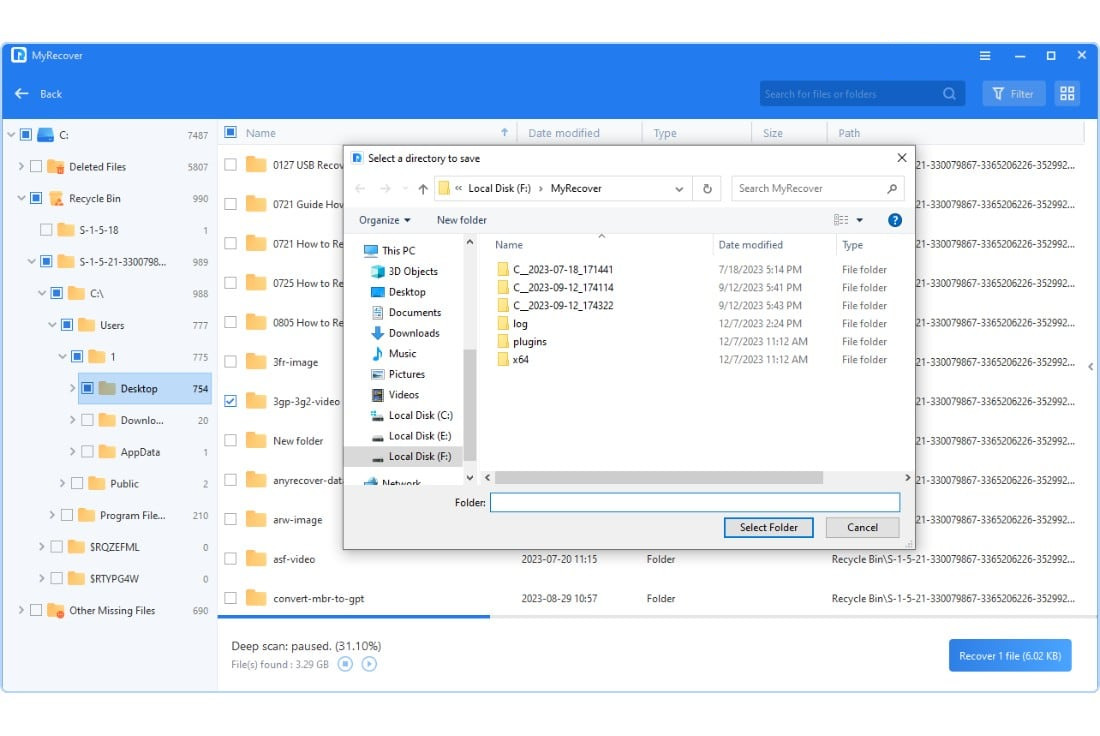
    Save the Recovered Data: Check the scanning result, select the desired data to save, and select another partition or disk as a destination.

MyRecover

Easy and secure recovery software to retrieve lost data on your Windows.