-
How can I quickly recover deleted photos and videos?
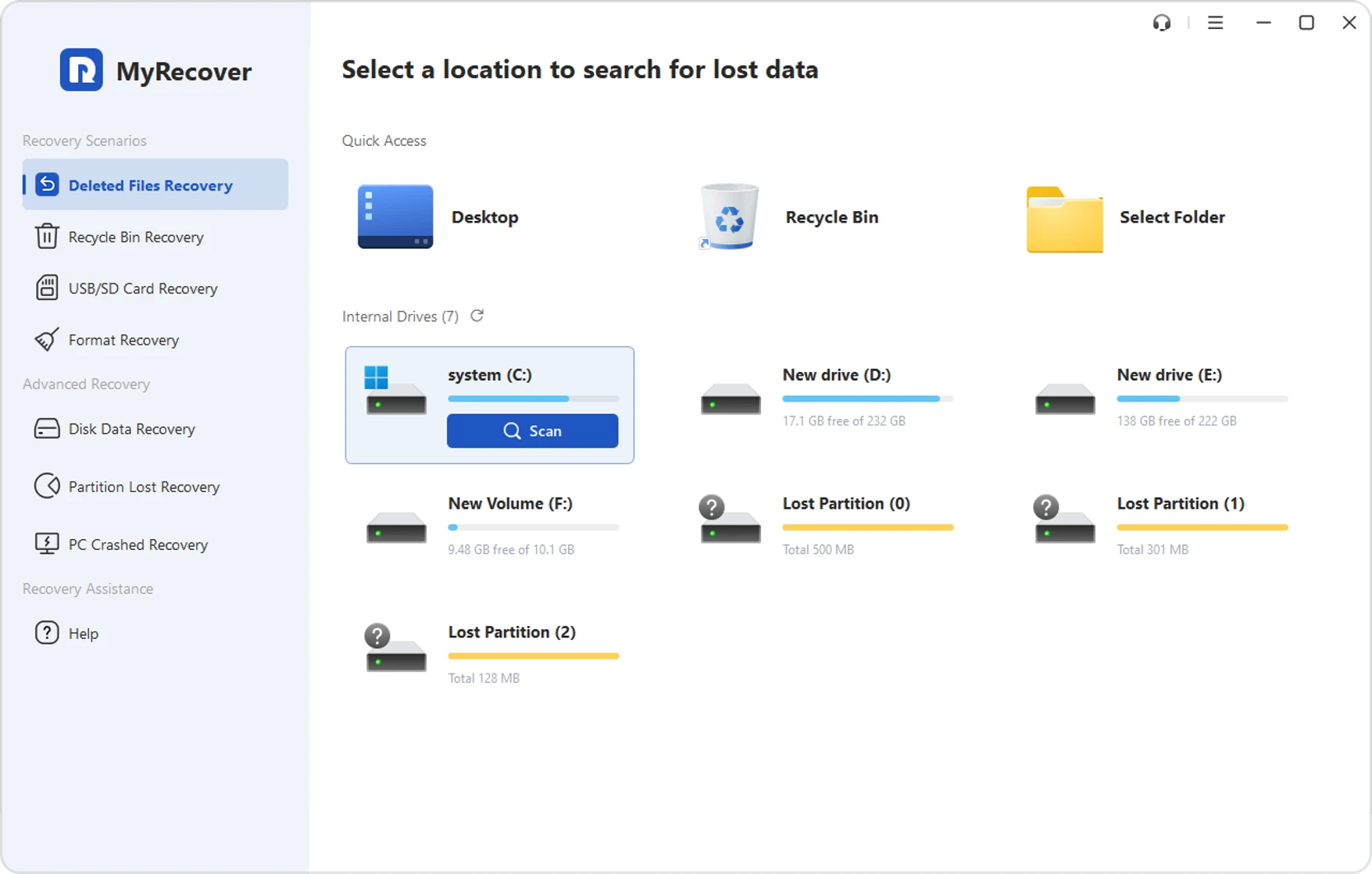
You can quickly recover deleted photos and videos by using data recovery software like
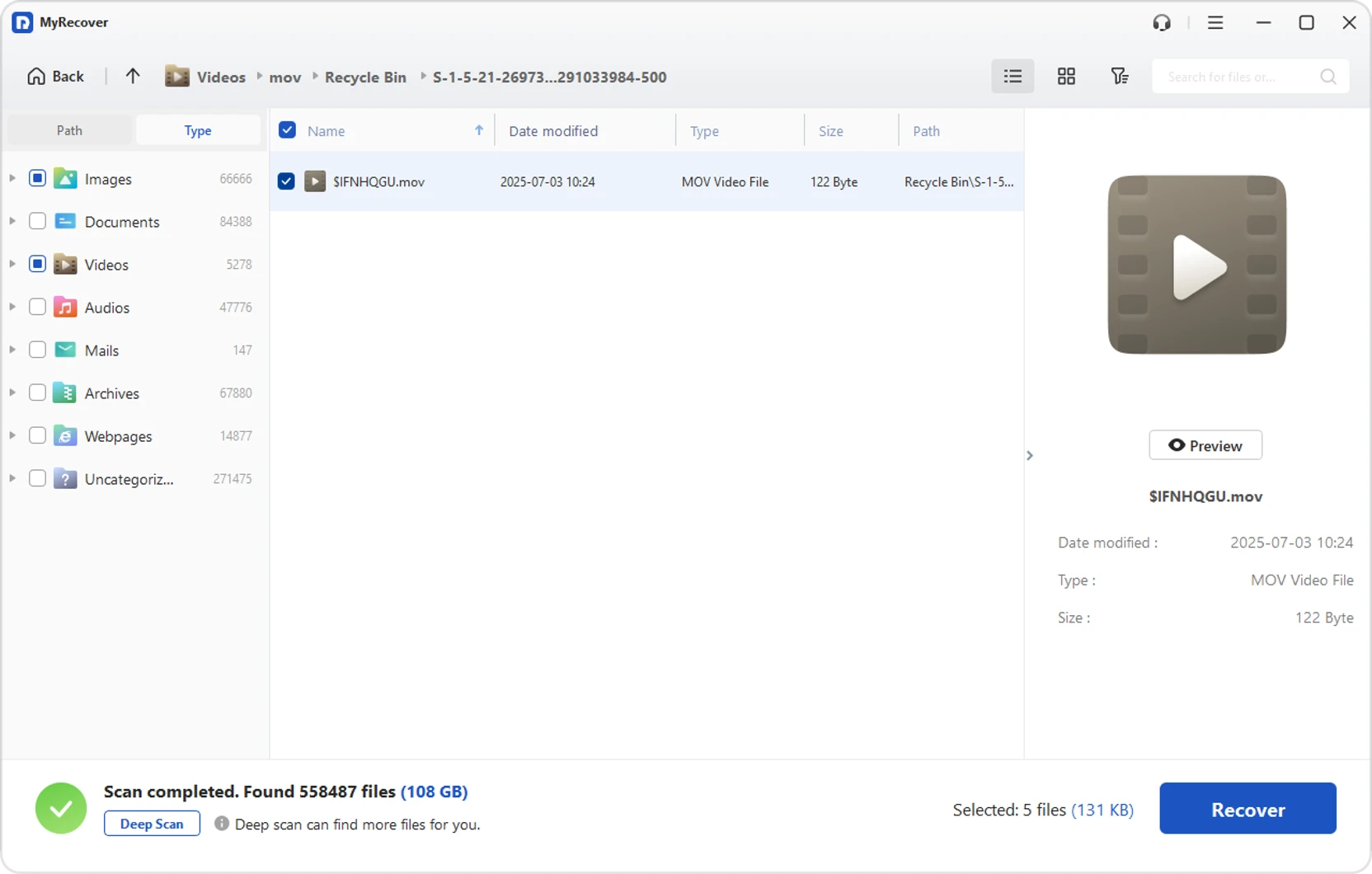
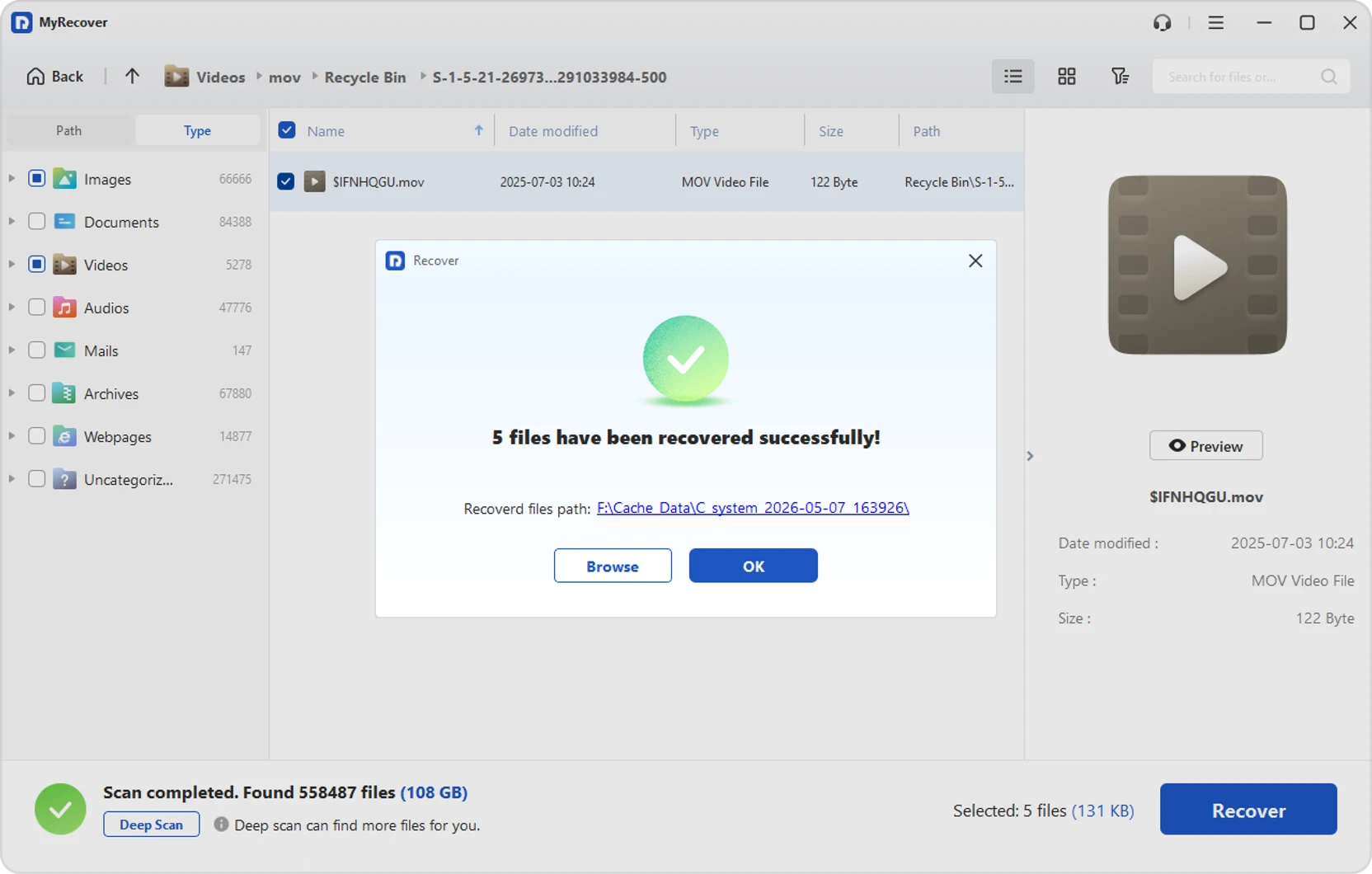
MyRecover. Install the tool, select the drive where files were lost, run a scan, preview the
found photos and videos, and recover them. Acting quickly improves the chance of successful
recovery before data is overwritten.
-
How do I recover permanently deleted photos and videos?
Permanently deleted photos and videos can often be recovered using a professional data recovery
software such as MyRecover. Even after "Shift" + "Delete" or Recycle Bin emptying, files may
still exist on the storage until overwritten. Run a deep scan, locate lost media, and restore
them to a safe location.
-
Where are my deleted pictures stored?
Deleted pictures are usually stored in the Recycle Bin first. If emptied, they are not
immediately erased but remain on the storage drive as recoverable data until overwritten.
Recovery tools like MyRecover can scan the drive and locate these hidden file traces for
restoration.
-
Are deleted photos and videos gone forever?
No, deleted photos and videos are not always gone forever. When deleted, they are marked as free
space but remain on the storage device until new data overwrites them. With the right recovery
tool such as MyRecover, many of these files can still be restored successfully.
-
Where do permanently deleted photos and videos go?
Permanently deleted photos and videos do not go to a visible folder. Instead, they remain on the
storage device in an inaccessible state and are marked as available space. Until overwritten,
data recovery software like MyRecover can scan and reconstruct these files.
-
How to recover deleted videos from SD card safely?
To safely recover deleted videos from an SD card, stop using the card immediately to avoid
overwriting data. Connect it to a computer, run a trusted recovery tool like MyRecover, scan the
SD card, and preview videos before restoring them to a different storage location.
-
Can I restore deleted photos and videos without backup?
Yes, deleted photos and videos can often be restored without a backup using data recovery
software including MyRecover. These tools scan storage devices directly to find recoverable
files that have not been overwritten, making recovery possible even when no backup exists.
-
How do I recover deleted photos after factory reset?
After a factory reset, photo recovery is more difficult but still possible in some cases. Use a
professional data recovery tool including MyRecover on the device's storage immediately. Success
depends on whether new data has overwritten the original files after the reset.