 MyRecover



How to Recover Permanently Deleted Photos from Gallery Without Backup
Accidentally deleted photos from gallery? Don't panic, read this guide to learn how to recover permanently deleted photos from gallery without backup on PC/iPhone/Android.

By Delores / Updated on November 10, 2026


Quick Answer
Yes—permanently deleted photos can often be recovered without a backup, provided the storage sectors they occupied have not been overwritten. When you delete a photo and empty the gallery trash, the operating system removes the file pointer but leaves the image data intact until new data claims that space.
Stop taking photos, downloading files, or installing apps immediately. Recovery success depends almost entirely on how quickly you act and how little the device has been used since deletion.
Can You Recover Permanently Deleted Photos from Gallery Without Backup?
Accidentally deleting photos can be a common occurrence. Fortunately, if you’ve deleted your pictures from the gallery, they’re often not gone for good. On Android devices, for instance, the photos usually get temporarily stored in a "Recently Deleted" folder. From there, you can recover them with just a tap. But what if you've cleared this folder or formatted your SD card?
Can you recover permanently deleted photos from your gallery without backup? The good news is that YES. Using professional recovery software, you can scan your phone’s internal storage or SD card for traces of lost files. These programs can often restore deleted photos even if the gallery is showing empty.
How to recover permanently deleted photos from gallery without backup for free? Let’s explore the 2 corresponding solutions on PCs and Android phones.
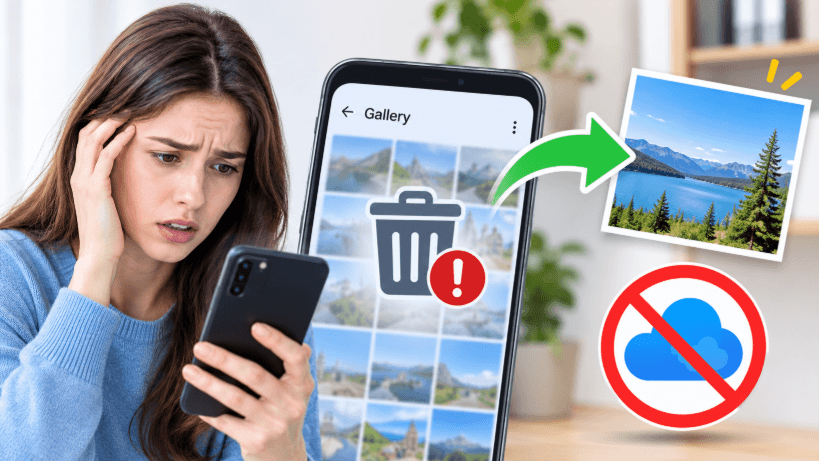
First: Stop Using the Device (This Determines Everything)
Every new photo, app download, or system update writes data to your phone's storage—and can overwrite the exact sectors holding your deleted photos. There is no fixed recovery window. On a busy phone, overwriting can happen within hours. On an idle device, data may persist for weeks. The safest assumption: treat every permanently deleted photo as urgent until you have attempted recovery.
One critical distinction before you start: Android does not have a single universal"Recycle Bin". Each gallery app (Samsung Gallery, Google Photos, Huawei Gallery, etc.) has its own trash folder, typically holding items for 15–60 days before permanent deletion. If you have already emptied that folder, you are in “permanent deletion” territory—proceed to the methods below.
How to Recover Permanently Deleted Photos from Gallery Without Backup on PC
With the right recovery software, you can retrieve these files before new data overwrites them. One of the best tools for this is MyRecover, which boasts a high success rate in recovering lost or deleted files, while also preserving their original format.
- ★ Key Features for Photo Recovery:
- Recover 1000+ File Types: Recover not just photos but also documents, videos, audio, and other file types.
- Scan for Lost Files: MyRecover scans both your device’s internal storage and SD cards, allowing you to recover files lost from various types of media.
- Support Multiple Data Loss Scenarios: Whether you’ve lost data due to accidental deletion, a virus, or a formatted hard drive, MyRecover can help.
- Support Various File Systems: It works with NTFS, FAT32, exFAT, and other file systems on Windows 11, 10, 8, 7, and Windows Server.
- Free Recovery: Get 500MB of free recovery space to restore deleted photos.
If your photos were saved to an SD card, remove it from the phone and connect it to a computer. This isolates the card from further phone activity and gives recovery software direct access.
Download MyRecover on your Windows computers to recover permanently deleted photos from gallery without backup for free.
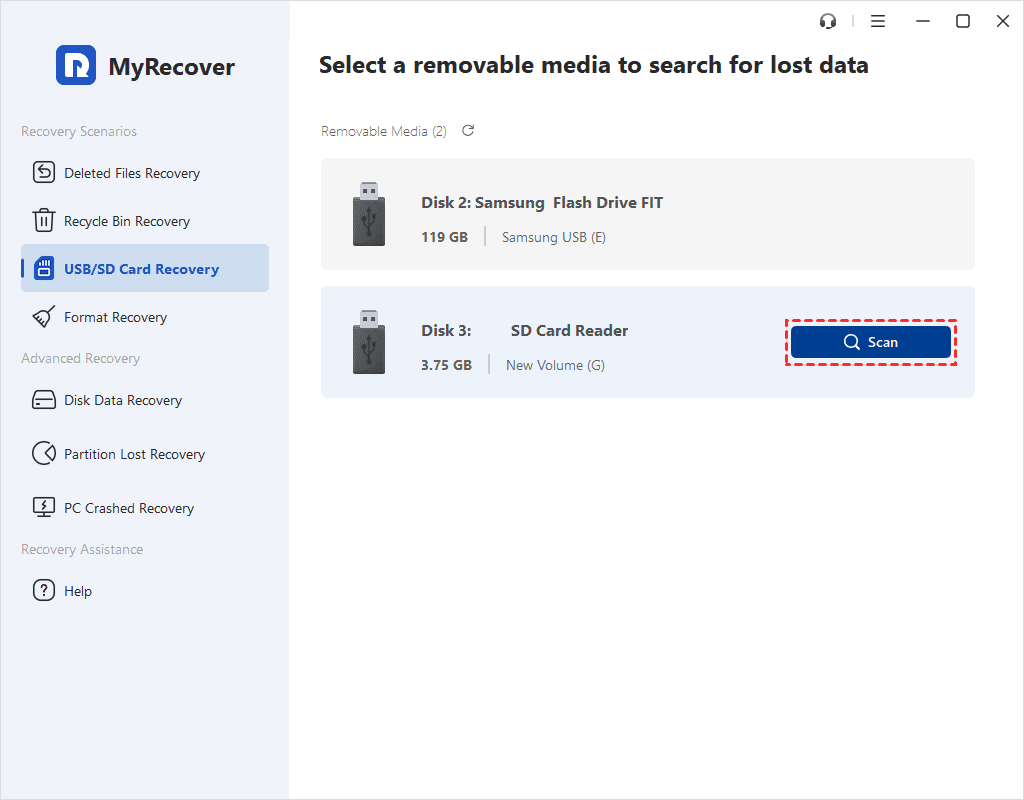
Step 1. Scan SD card
Run MyRecover and connect the SD card to your computer, tap USB/SD Card Recovery, then hover the mouse over the drive that contains the image files you want to restore. Then click Scan.
Step 2. Filter and preview photos
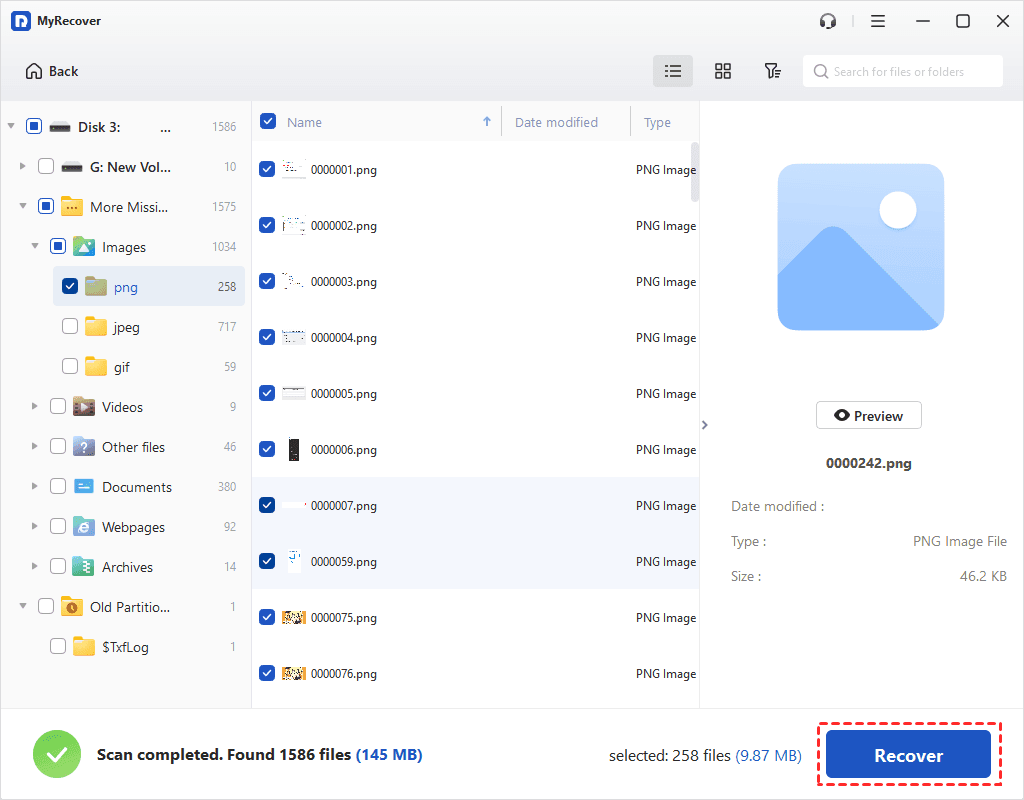
It will run a Quick & Deep Scan to search for all your lost photos. As the scan progresses, you can search and filter the scanned files to find your desired images more efficiently.
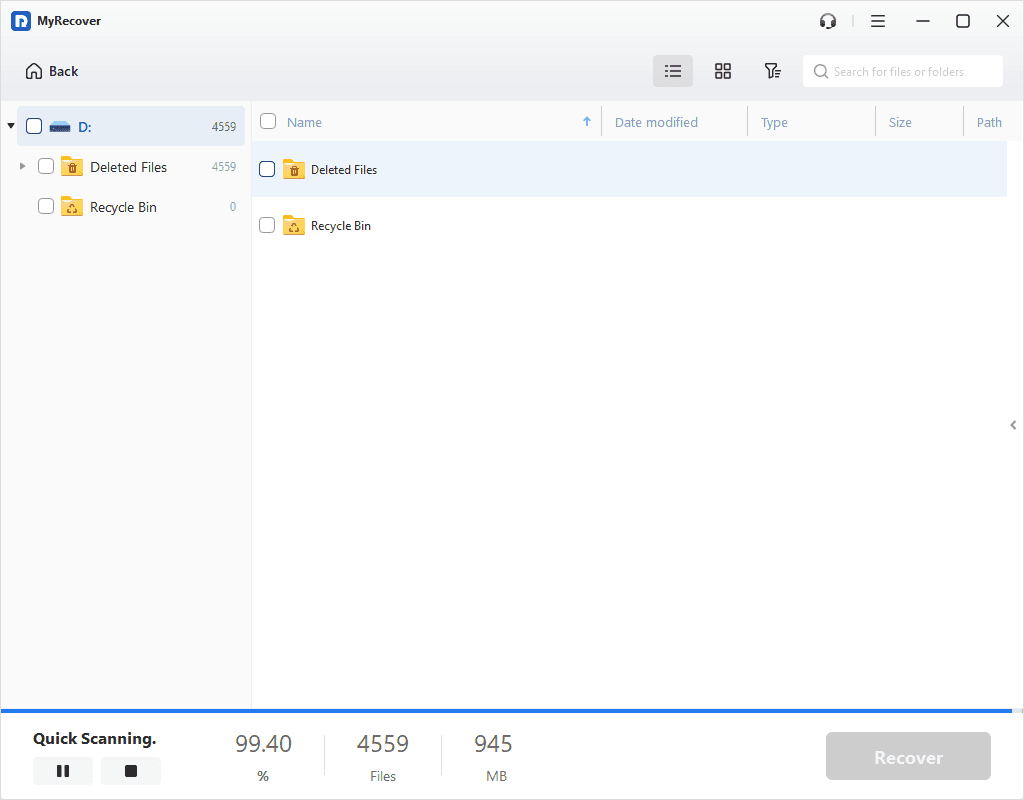
- Type: Select the file type (Images, Videos, Documents, Audios, Mails, Webpages, Compressed files, etc.)
- Date modified: Set the date (today, yesterday, last 7/30 days, etc.)
- Size: Filter the file size (<128KB, 128KB~1MB, 1MB~ 512MB, 512MB above, etc.)
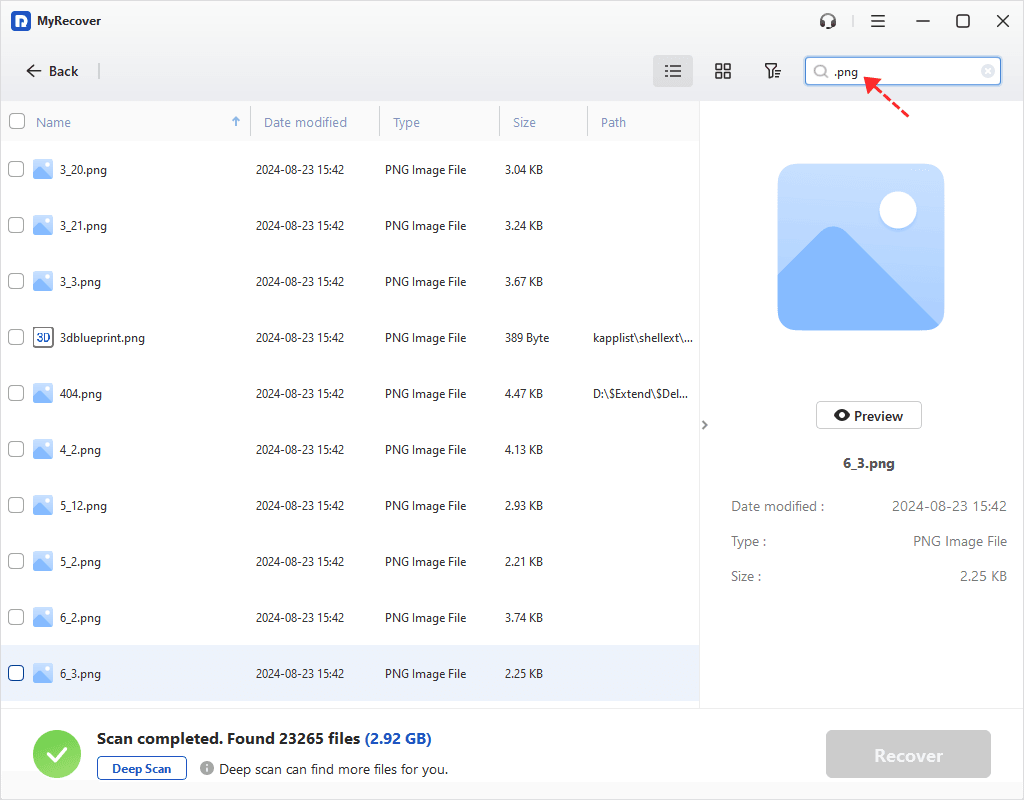
Step 3. Select a new location to recover
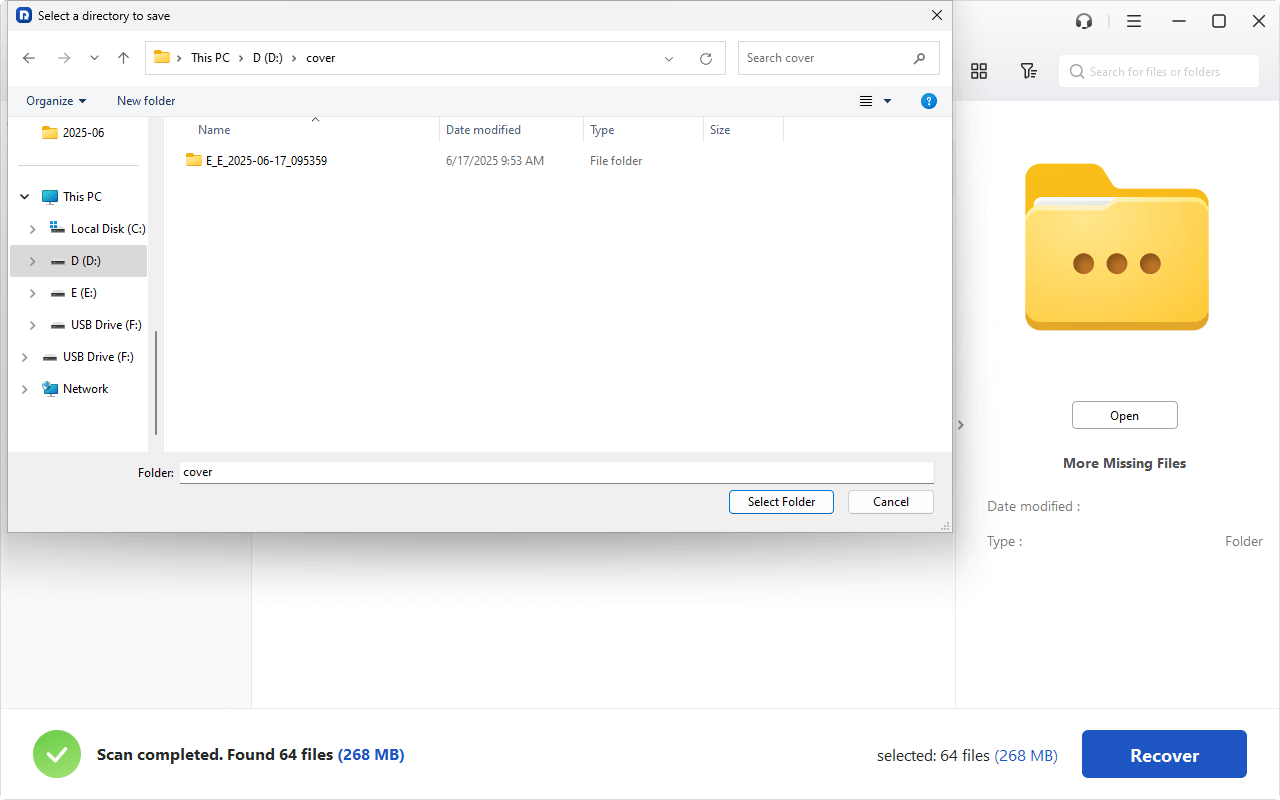
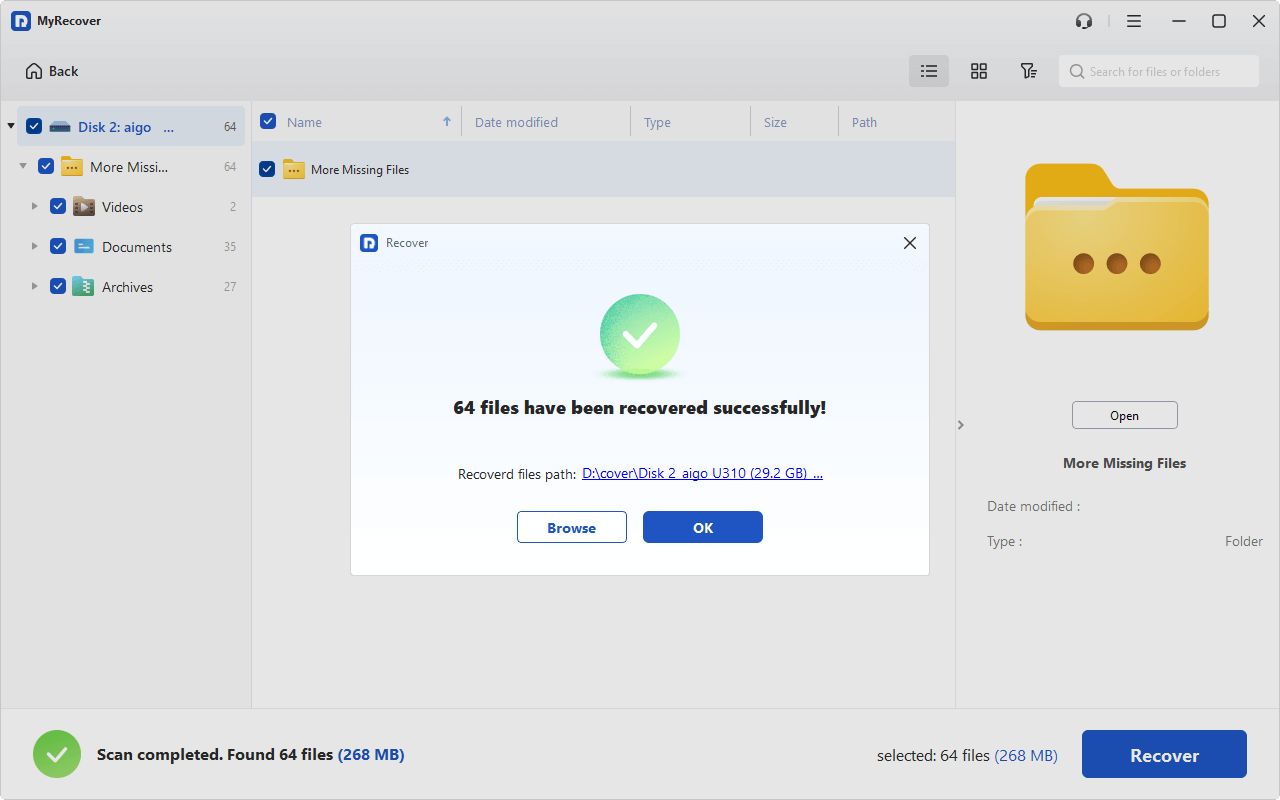
Select the photos you want to recover and click on Recover X Files. Be sure to save the recovered files in a different location, such as your PC, to avoid overwriting data.
- For unlimited data recovery, please try to upgrade to MyRecover Pro/Tech.
- Except for Windows 7, 8, 10, 11, etc, it still can recover deleted files from Windows Server 2025, 2022, 2019, 2016, 2012, etc.
 MyRecover
- Recover Deleted Files Easily with Simple Clicks
- 1000+ File Formats Supported
- Support HDD, SSD, External Hard Drive, USB Drive, SD Card, etc.
- Quickly Find Files Using File Types, Name, Size, etc.
 100% Secure
How to Recover Permanently Deleted Photos from Gallery via Google Photos App
How to recover permanently deleted photos from gallery without backup in Android? If you use Google Photos and your photos were synced with your Google account, you can check Google Photos' Trash folder for deleted photos.
Step 1. Launch the Google Photos app or visit photos.google.com in your browser.
Step 2. In Google Photos, deleted photos go to the “Trash” folder for 30 days. If the photos were synced before deletion, they might still be available in the Trash.
Step 3. If you find your deleted photos, select them and click the “Restore” button. They will be restored to your gallery.
Trash Select Files Click Restore

What if the Photos Were Deleted Over 30 Days Ago?
If you need to recover photos deleted more than 30 days ago and you've synced or shared those files, you can contact Google Drive Help to recover permanently deleted files.
Step 1. Go to the Google Drive Help site and sign in to your Google account.
Step 2. Enter your name and consent to allow Google to attempt recovery, then submit your request.
Consent and Submit

Step 3. Google Drive will review your request and may be able to restore your deleted files if they’re still available on the server.
Reply from Google Drive Support

How to Prevent Losing Photos in the Future
Prevention is always better than cure. Here are a few tips to ensure you don’t lose your photos in the future:
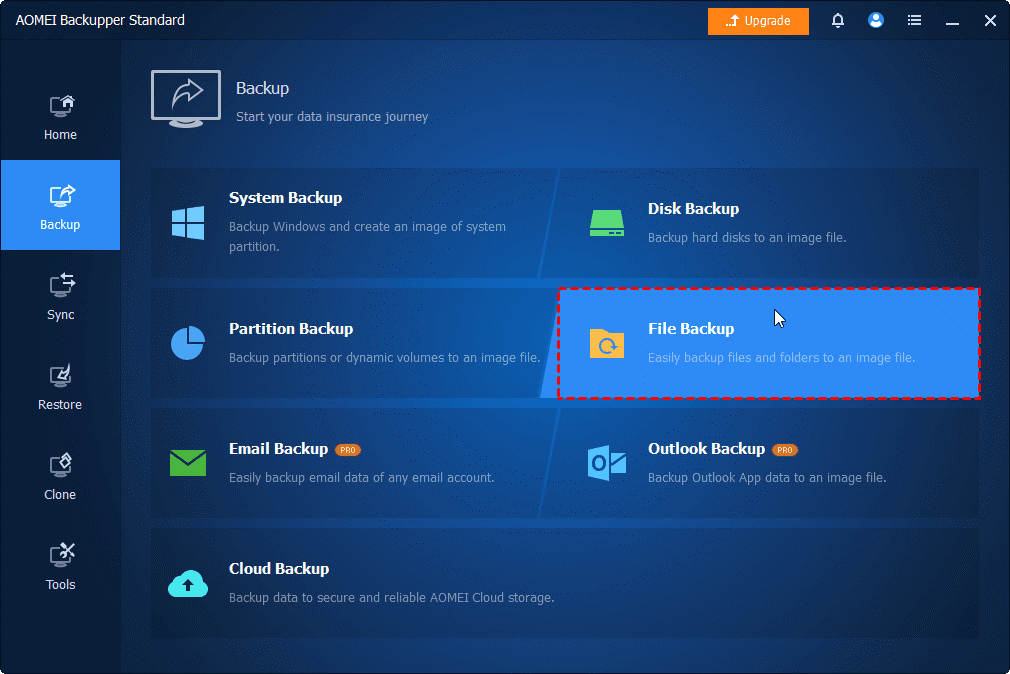
- Backup Regularly: Use cloud services like Google Photos, iCloud, or OneDrive to back up your pictures regularly. Here I recommend a free Windows data backup software - AOMEI Backupper Standard, which can help you perform "disk backup", "file backup", "partition backup" and so on.
- Enable Auto-Sync: Set your phone to automatically upload photos to the cloud as soon as they’re taken.
- Keep Extra Copies: Store photos on multiple devices or external drives to avoid relying on a single storage source.
Conclusion
By following the methods outlined above, you can learn how to recover permanently deleted photos from gallery without backup. The sooner you act after the deletion, the higher the chances of recovery. With the right recovery software, such as MyRecover, you can get your cherished photos back in no time.
While having a backup is always recommended, these recovery methods offer a lifeline when things go wrong. So, don’t give up hope—your precious memories could be just a few clicks away!
FAQs on Gallery Photo Recovery
Are permanently deleted pictures gone forever?
Can I recover deleted photos from 5 years ago?
Can Google Photos recover permanently deleted pictures?
Does a factory reset make photo recovery impossible?

Stay Updated With Our
Latest Tips
Add us as a preferred source on Google to never miss helpful guides.
 Add as preferred source >>